Shringa KMAug. 24, 2026
Software testing has changed significantly over the last few years. QA engineers are no longer expected to only find bugs. Today, they help teams release software faster, improve application quality, and support continuous delivery.
At the same time, modern web applications have become much more complex. Dynamic user interfaces, frequent feature updates, and shorter development cycles make automation testing more challenging than ever.
This is where Playwright MCP is gaining attention.
Instead of writing every automation script manually, QA engineers can now use AI to understand web applications, generate automation code, inspect page elements, and even help debug failed tests. This makes testing faster, reduces repetitive work, and allows testers to focus on validating business functionality rather than spending hours fixing locators.
In this guide, you'll learn:
Whether you're a beginner learning Playwright or an experienced automation engineer looking to improve productivity, this guide will help you understand why Playwright MCP is becoming an important tool for modern software testing.
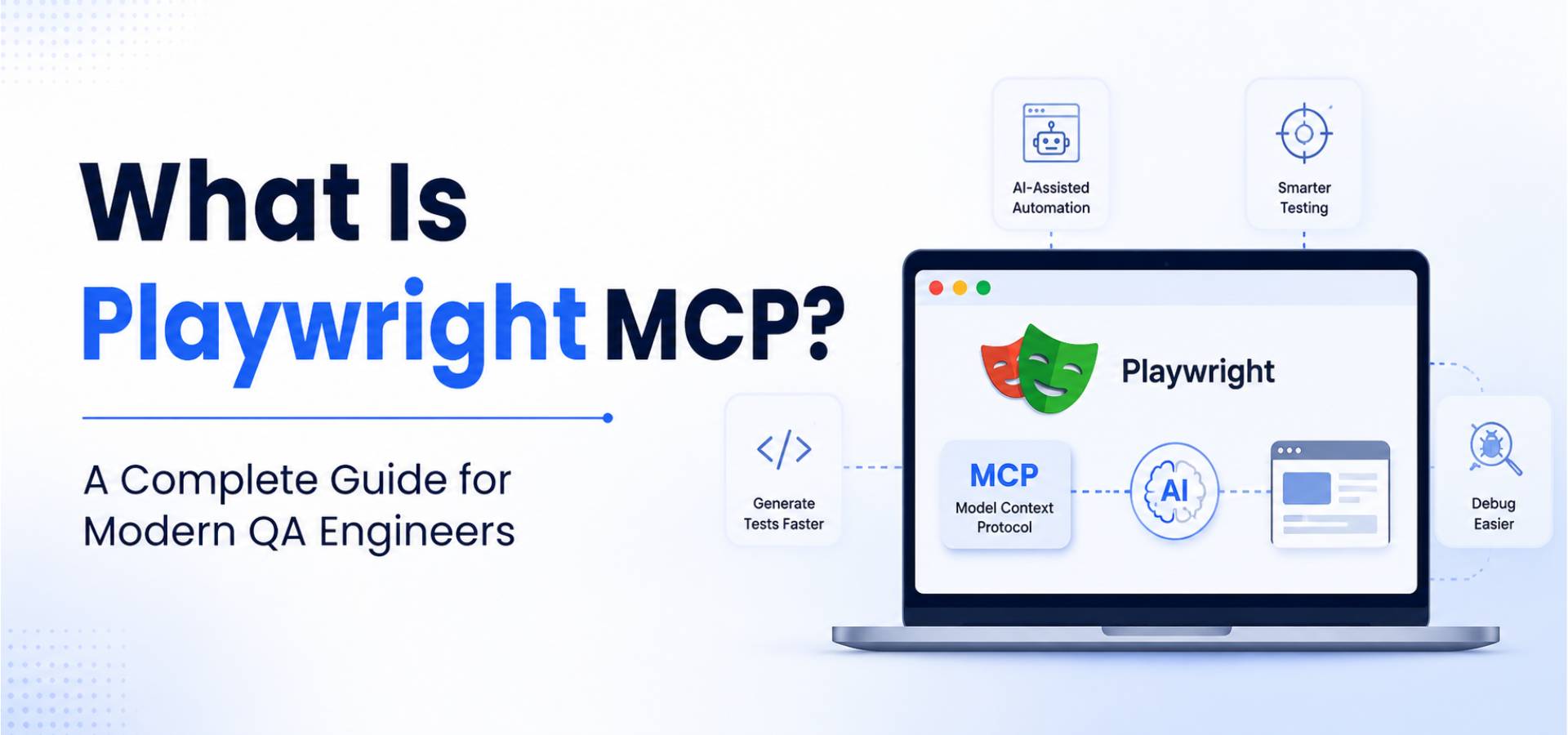
Playwright MCP combines the power of Playwright, Microsoft's browser automation framework, with the Model Context Protocol (MCP), an open protocol that allows AI assistants to communicate with external tools and applications.
Simply put, Playwright automates browser actions, while MCP gives AI assistants the ability to understand what's happening inside that browser.
Without MCP, AI can only respond based on the information you provide in your prompt.
With MCP, the AI can interact with a live browser session. It can inspect web pages, identify UI elements, perform actions such as clicking buttons or filling forms, observe changes on the screen, and generate automation code based on the application's current state.
Think of it like this:
Without Playwright MCP
You tell the AI:
"Create a login test."
The AI makes assumptions about the application's interface because it cannot actually see the page.
With Playwright MCP
The AI opens the application, examines the login page, identifies the username and password fields, locates the login button, understands the page structure, and generates automation code based on the actual interface.
This additional context makes AI-generated automation much more accurate and reliable.
Playwright MCP acts as a bridge between your AI assistant and your web application.
The process typically works like this:
For example, instead of writing every step manually, you can simply ask:
"Log in as an administrator, create a new customer, save the record, and verify that the success message appears."
The AI understands the workflow, interacts with the application, and generates Playwright code for the scenario.
This significantly reduces the time required to build automation tests while improving accuracy.
Software teams are under constant pressure to release features quickly without compromising quality.
Traditional automation still requires engineers to:
These tasks are necessary but often repetitive.
Playwright MCP helps reduce this manual effort by allowing AI to assist throughout the automation process.
Instead of spending hours creating and maintaining test scripts, QA engineers can focus on designing better test scenarios, identifying edge cases, and validating business requirements.
That's why many teams see Playwright MCP as a productivity tool rather than a replacement for QA engineers. It helps automate repetitive work while leaving critical testing decisions to human expertise.
Playwright MCP is more than just another AI tool. It helps QA engineers work smarter by reducing repetitive tasks and making automation testing more efficient. Whether you're building a new test suite or maintaining an existing one, Playwright MCP can save time and improve the quality of your automation.
Let's look at some of its biggest advantages.
Writing automation scripts from scratch can take a lot of time. You need to inspect elements, choose the right locators, write test steps, run the test, and fix any errors that appear.
With Playwright MCP, you can describe your test in plain English.
For example:
"Log in as a sales manager, create a new customer, save the record, and verify the success message."
The AI understands the workflow, interacts with the application, and generates Playwright code based on the actual user interface.
This helps QA teams automate new features much faster and spend less time writing repetitive code.
One of the biggest challenges in test automation is dealing with unstable locators.
Many automation failures happen because developers change element IDs, CSS classes, or page structures. When this happens, existing tests often stop working.
Playwright MCP can inspect the live page and recommend more reliable locator strategies, such as:
These locator types are generally more stable than long XPath expressions and are easier to maintain over time.
As a result, your automation suite becomes more reliable and requires fewer updates after UI changes.
Debugging is often one of the most time-consuming parts of automation testing.
When a test fails, you usually need to check screenshots, review logs, inspect the page, and identify what went wrong.
Playwright MCP simplifies this process.
Since the AI has access to the live browser session, it can analyze the page and identify possible reasons for the failure.
For example, it can tell you if:
Instead of spending hours investigating the issue, QA engineers receive useful suggestions that speed up debugging.
Maintaining automation tests can become difficult as applications grow.
A small UI update—such as renaming a button or moving a field—can cause several test cases to fail.
Playwright MCP helps reduce this maintenance effort by understanding the updated interface.
It can:
This allows QA teams to spend less time fixing scripts and more time testing new features.
If you're new to Playwright, learning automation can feel overwhelming.
There are many concepts to understand, including:
Instead of searching through documentation every time you get stuck, you can ask the AI questions while working with your application.
For example:
Getting answers in the context of your application makes learning much easier and helps new automation engineers become productive faster.
One of the most exciting features of Playwright MCP is natural language automation.
Instead of writing every line of code yourself, you simply describe what you want to test.
For example:
"Create a new employee, assign the HR department, save the record, and verify that the employee appears in the employee list."
The AI understands the request, performs the required actions, and generates Playwright automation code based on the application's current state.
This doesn't eliminate the need for QA engineers, but it greatly reduces the time spent creating basic automation scripts.
Software quality is a shared responsibility.
Playwright MCP makes it easier for developers and QA engineers to work together because both teams can interact with the same application context.
For example:
This shared understanding reduces communication gaps, speeds up bug fixing, and helps teams deliver features more confidently.
Imagine you're testing an ERP application used by a sales team.
Your task is to verify that a sales representative can create a new sales order successfully.
The workflow looks like this:
A QA engineer would typically need to:
This process can take a considerable amount of time, especially for large applications.
Instead, you can provide a prompt like:
"Create a sales order for ABC Company, add 10 office chairs, apply a 10% discount, confirm the order, and verify that the status changes to 'Sales Order'."
Playwright MCP can:
The QA engineer still reviews and validates the generated code, but much of the repetitive work is handled automatically.
This allows teams to focus on testing business logic and edge cases rather than spending hours creating boilerplate automation scripts.
Playwright MCP can significantly improve your automation workflow, but it's important to use it the right way. AI is a powerful assistant, but it still needs guidance from experienced QA engineers.
Here are some best practices to get the most value from Playwright MCP.
AI can generate Playwright scripts quickly, but don't assume the code is always perfect.
Before adding any generated script to your automation framework:
Treat AI as a helpful teammate, not the final reviewer.
The quality of the generated automation depends on the prompt you provide.
Instead of writing:
"Test login."
Write something like:
"Log in as an HR Manager, verify the dashboard loads successfully, and confirm that the employee count widget is displayed."
The more context you provide, the more accurate the generated automation will be.
Even when AI suggests locators, it's good practice to follow Playwright's recommended locator hierarchy.
Whenever possible, use:
Avoid relying heavily on long XPath expressions or complex CSS selectors, as they are more likely to break when the UI changes.
Playwright MCP helps generate code, but maintaining a well-structured automation framework is still your responsibility.
Consider using:
A clean project structure makes your automation easier to maintain as it grows.
Playwright and MCP continue to evolve with new features and improvements.
Regularly update:
Keeping everything up to date helps you benefit from the latest capabilities and security improvements.
Although Playwright MCP offers many advantages, it's not a complete replacement for manual testing or experienced QA engineers.
Understanding its limitations helps you use it more effectively.
Sometimes AI may misunderstand a business workflow or generate test steps that don't match the application's requirements.
That's why every generated script should be reviewed before it's added to your automation suite.
AI can automate browser interactions, but it doesn't fully understand business rules.
For example, an AI assistant may know how to submit an insurance claim form, but it won't necessarily know whether the claim should be approved based on company policies.
QA engineers still need to validate business requirements, edge cases, and expected outcomes.
Applications often include:
These scenarios usually require careful planning and cannot be generated accurately from a simple prompt alone.
A successful testing process involves much more than writing automation scripts.
QA engineers are still responsible for:
Playwright MCP supports these activities, but it doesn't replace the decision-making involved.
If you're already working with Playwright, learning MCP is a logical next step.
It can help you:
As AI becomes a regular part of software development, understanding tools like Playwright MCP can also strengthen your technical skill set and prepare you for modern QA workflows.
Rather than replacing automation engineers, Playwright MCP allows them to spend more time solving complex testing challenges and less time writing repetitive code.
Playwright MCP combines Microsoft's Playwright automation framework with the Model Context Protocol (MCP), allowing AI assistants to interact with live browser sessions, inspect web pages, and help generate and maintain automation tests.
Playwright is an open-source framework. MCP is also an open protocol. However, some AI tools or IDEs that work with MCP may require a paid subscription depending on the provider.
No.
Playwright MCP automates repetitive tasks such as generating scripts, inspecting UI elements, and suggesting fixes. QA engineers are still responsible for designing test strategies, validating business requirements, reviewing generated code, and ensuring complete test coverage.
Yes.
Playwright MCP is particularly useful for beginners because it can explain automation concepts, recommend locator strategies, and help troubleshoot common testing issues while working with a live application.
Playwright supports all major browsers, including:
This allows QA teams to perform reliable cross-browser testing from a single automation framework.
Yes.
One of its biggest advantages is reducing maintenance effort. When user interfaces change, Playwright MCP can inspect the updated application, identify broken locators, and suggest improvements to keep automation tests working.
Modern software teams are expected to deliver high-quality applications faster than ever. As projects become more complex, automation alone is no longer enough. Teams also need intelligent tools that reduce repetitive work and help engineers focus on delivering better software.
Playwright MCP brings together browser automation and AI assistance to simplify test creation, improve debugging, generate more reliable locators, and reduce maintenance effort. While it doesn't replace the knowledge and experience of QA engineers, it helps them work more efficiently and confidently.
If you're already using Playwright or planning to adopt modern test automation practices, learning Playwright MCP is a worthwhile investment. It can improve your workflow today while preparing you for the future of AI-assisted software testing.





0