Mohammad AfsahJuly 1, 2026
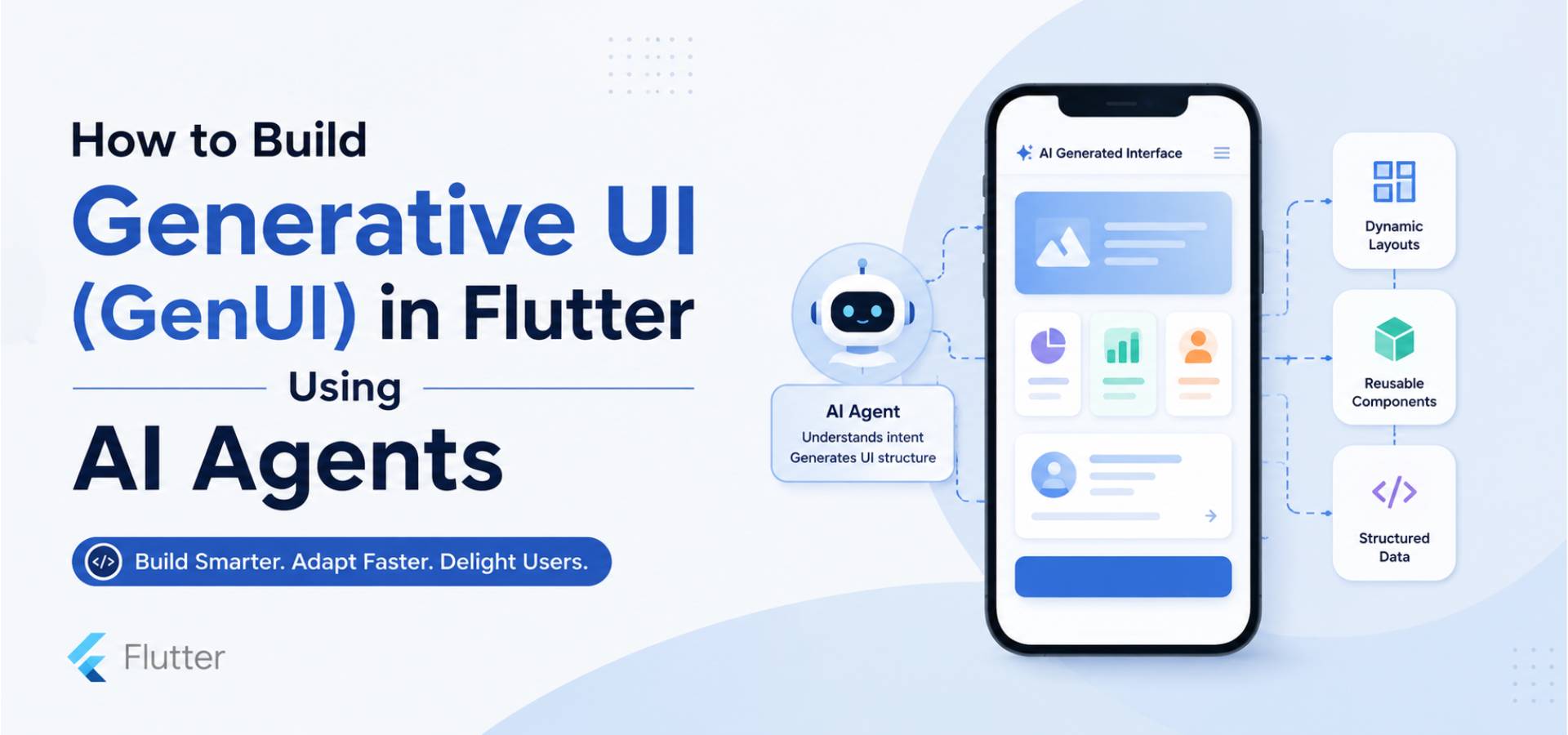
Modern mobile applications are becoming more personalized, adaptive, and intelligent. Instead of displaying the same interface to every user, developers are now exploring Generative UI (GenUI) in Flutter using AI agents to create interfaces that change based on user intent, preferences, or real-time data. This approach goes beyond static layouts by allowing AI to determine what users need and generate appropriate UI components dynamically.
In this article, you'll learn what Generative UI is, why AI agents are becoming an important part of Flutter development, how the architecture works, the tools commonly involved, implementation best practices, and the challenges you should consider before adopting this approach.
Generative UI (GenUI) is an approach where the user interface is generated dynamically rather than being completely predefined during development. Instead of hardcoding every screen and component, the application receives instructions—often from an AI model or backend service—and builds the interface at runtime.
Unlike traditional Flutter development, where widgets are manually arranged inside the application, GenUI allows the UI structure to be influenced by:
For example, imagine a travel application where a user asks:
"Plan a three-day trip to Dubai."
Instead of navigating through multiple screens, an AI agent could generate a customized interface that includes:
The interface adapts to the user's request rather than forcing the user through predefined navigation.
Flutter already provides an excellent framework for building beautiful, cross-platform applications. AI agents introduce another layer of intelligence by making UI decisions based on user intent.
Together, they create applications that feel more conversational and adaptive.
AI agents can analyze user preferences, previous interactions, and current goals to generate interfaces tailored to each individual.
Instead of showing identical dashboards, users receive content that is relevant to them.
Rather than designing dozens of static variations of a screen, developers can create reusable Flutter widgets while allowing AI agents to decide:
This significantly reduces the need for maintaining multiple screen versions.
Many enterprise applications require different interfaces depending on:
AI agents can generate different UI layouts without developers creating separate screens for every scenario.
Applications become more interactive because the interface evolves based on user conversations instead of fixed navigation paths.
This creates experiences that feel closer to interacting with a digital assistant than a conventional mobile app.
A successful GenUI architecture separates UI rendering from AI decision-making.
The general workflow looks like this:
The process starts when the user performs an action or submits a request.
For example:
"Show my pending invoices."
An AI agent processes the request using a large language model (LLM).
Instead of generating Flutter code, the AI typically returns a structured response describing what should be displayed.
Example:
{
"screen": "invoice_dashboard",
"widgets": [
{
"type": "header",
"title": "Pending Invoices"
},
{
"type": "invoice_list"
},
{
"type": "payment_summary"
}
]
}
This approach is generally safer and more maintainable than generating executable code.
Before the mobile app receives the configuration, the backend should validate:
This prevents invalid or malicious UI instructions.
Flutter interprets the JSON response and maps each object to a predefined widget.
Example:
Widget buildWidget(Map<String, dynamic> item) {
switch (item["type"]) {
case "header":
return Text(
item["title"],
style: const TextStyle(fontSize: 24),
);
case "invoice_list":
return InvoiceListWidget();
case "payment_summary":
return PaymentSummaryWidget();
default:
return const SizedBox();
}
}
Notice that Flutter never executes AI-generated code.
Instead, it renders trusted widgets that already exist in the application.
Once the widget configuration is processed, Flutter rebuilds the screen.
The user experiences a personalized interface while the application remains secure and maintainable.
Several technologies are commonly combined to build GenUI applications.
Flutter provides the rendering engine and widget framework required for dynamic UI generation.
Popular options include:
The best choice depends on project complexity and team preferences.
Flutter applications commonly use:
to convert backend responses into strongly typed models.
Many teams integrate large language models through APIs to generate structured UI descriptions.
Specific AI providers, SDKs, or APIs should be selected based on project requirements and require developer verification before implementation.
A backend layer typically:
This architecture improves security and maintainability.
Imagine an employee self-service application.
A user types:
"I want to apply for leave."
The AI agent identifies the user's intent and returns:
{
"widgets": [
{
"type": "leave_balance"
},
{
"type": "leave_form"
},
{
"type": "approval_policy"
}
]
}
Flutter renders:
If another user asks:
"Show my attendance."
The AI returns a different widget configuration without requiring a separate hardcoded screen.
The same Flutter application can support multiple user journeys using reusable components.
Users receive interfaces that match their goals instead of navigating through unnecessary screens.
Developers create widgets once and reuse them across countless AI-generated layouts.
Adding new user flows often requires updating backend logic rather than rebuilding entire screens.
Applications avoid maintaining multiple versions of nearly identical screens.
Role-based dashboards become easier to maintain because layouts are generated dynamically.
While GenUI offers exciting possibilities, it also introduces new challenges.
AI should never generate executable Flutter or Dart code.
Instead, it should return structured configuration that maps to approved widgets.
Every AI response should be validated before reaching the application.
Unexpected widget types or invalid properties should be rejected.
Frequently requesting AI-generated layouts may increase response times.
Caching common UI configurations can improve performance.
AI outputs may vary.
Using structured schemas and predefined widget libraries helps maintain consistency across the application.
Traditional UI testing becomes more complex because screens are generated dynamically.
Developers should test:
Follow these recommendations for a reliable implementation:
These practices help balance flexibility with security and maintainability.
Generative UI represents a significant shift in how modern mobile applications are designed. Instead of building every possible screen manually, developers can combine Flutter's powerful widget system with AI agents that intelligently decide what users should see.
When implemented correctly, this architecture enables highly personalized experiences, reusable UI components, and scalable enterprise applications. However, success depends on maintaining strong validation, secure backend processing, and a clear separation between AI-generated configuration and Flutter rendering.





0