SagilApril 18, 2026
In manufacturing, efficiency is not just something to aim for—it’s something you need every day to keep operations running smoothly. When machines don’t perform at their full capacity, when production slows down, or when defective products increase, it directly affects both time and profit. This is why Overall Equipment Effectiveness (OEE) is widely used as a key measure in production environments.
In Odoo’s Manufacturing module, OEE shows how effectively a work center is being used. It is calculated as a percentage based on the total time the work center is active. In simple terms, it reflects how much of that time is actually productive. A work center is considered fully productive when it runs without interruptions, completes tasks within the expected time, and maintains consistent performance. By tracking this data, teams can clearly see where time is being lost and what is causing delays or reduced output.
OEE in Odoo acts as an important performance indicator that connects production planning, daily operations, and maintenance activities. By regularly reviewing it, manufacturers can reduce downtime, improve machine usage, and make better decisions to keep production on track.
A work center in Odoo represents the place where manufacturing actually happens. It can be a machine, a workstation, or even a complete production area where operations are carried out. Work centers help define how production tasks are planned and executed in the system.
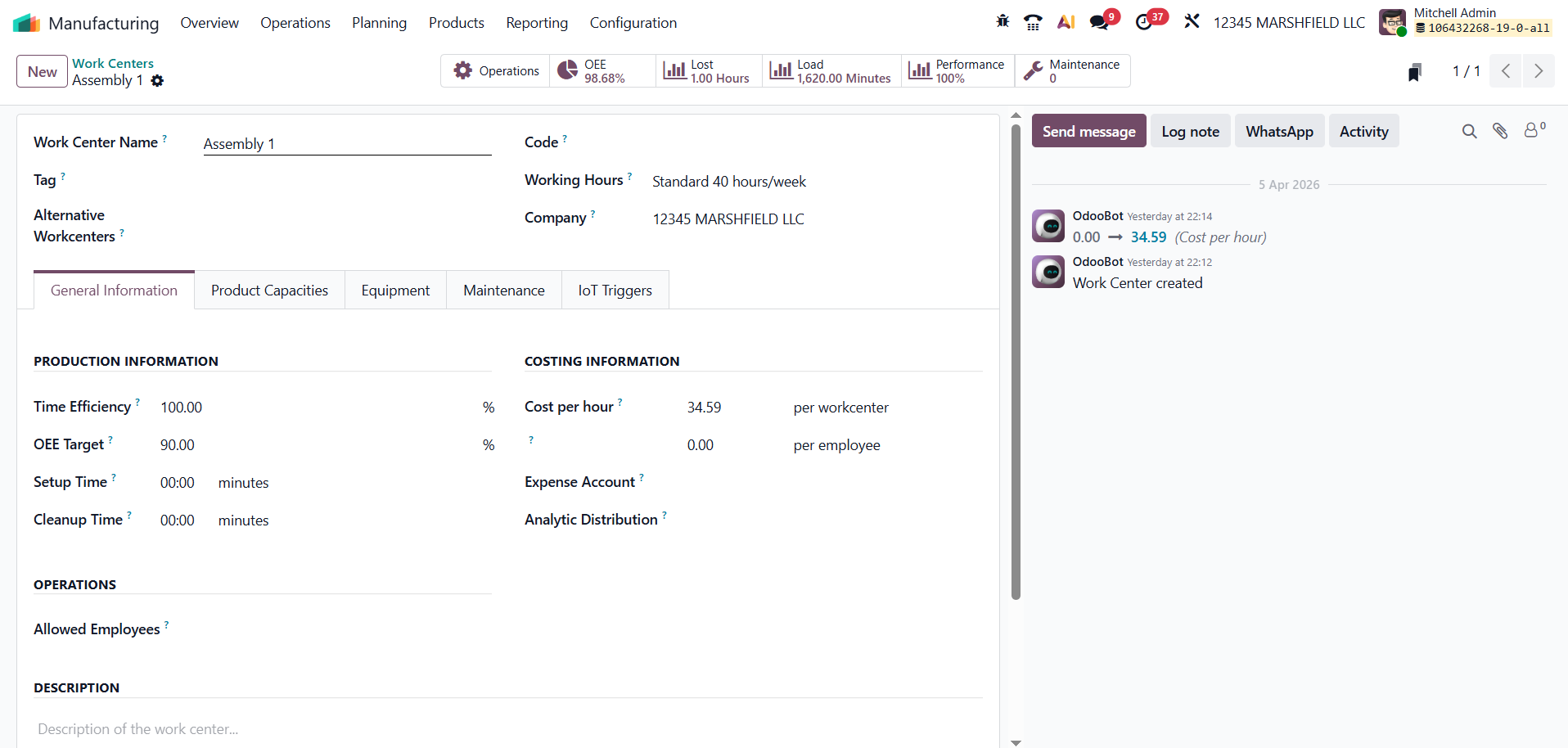
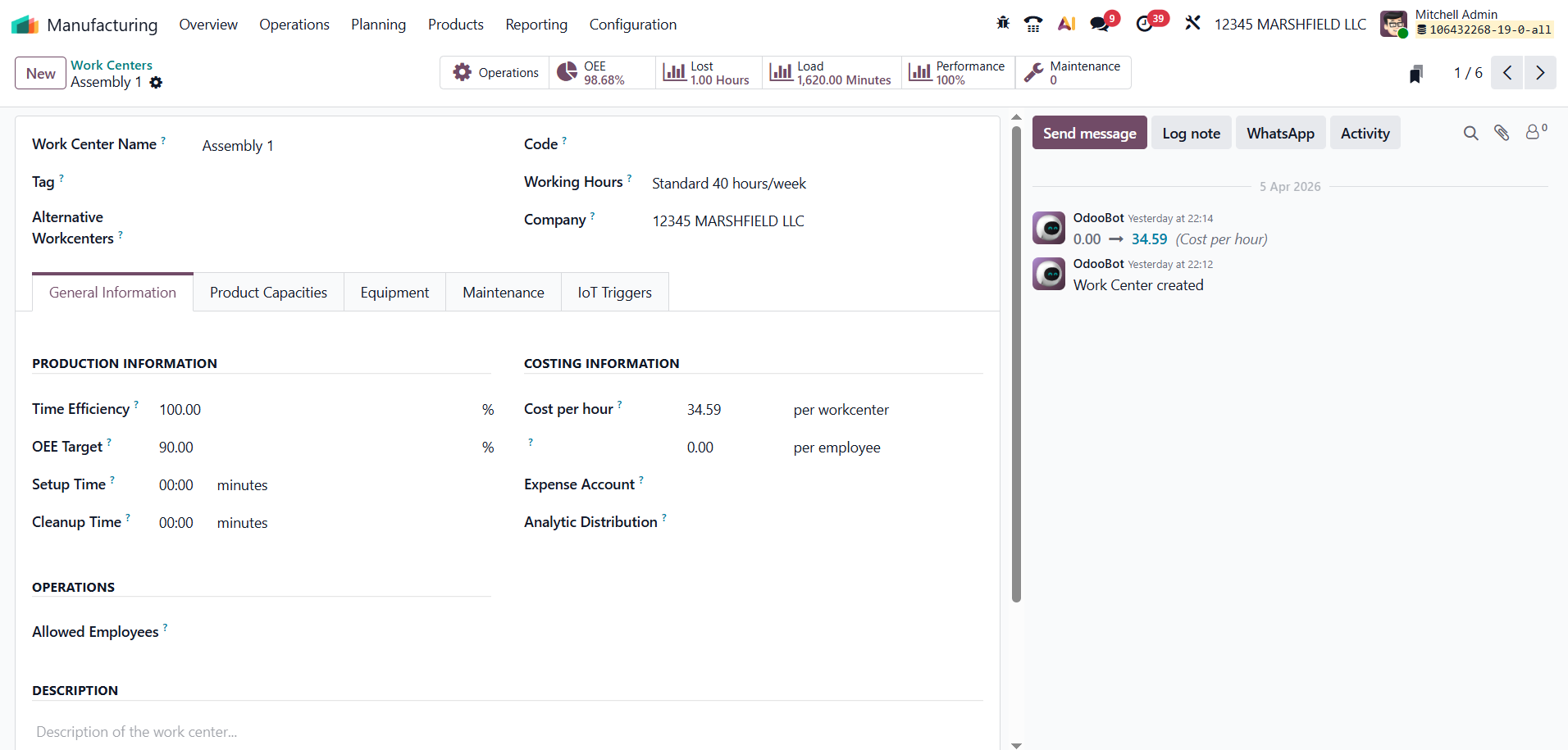
In Odoo 19, each work center includes important settings that control how it performs during production. These settings help track efficiency, calculate costs, and monitor overall performance.
You can configure work centers by going to:
Manufacturing → Configuration → Work Centers
Here, you can set key details such as:
By setting up these parameters correctly, you can get more accurate production data and better insights into work center performance.
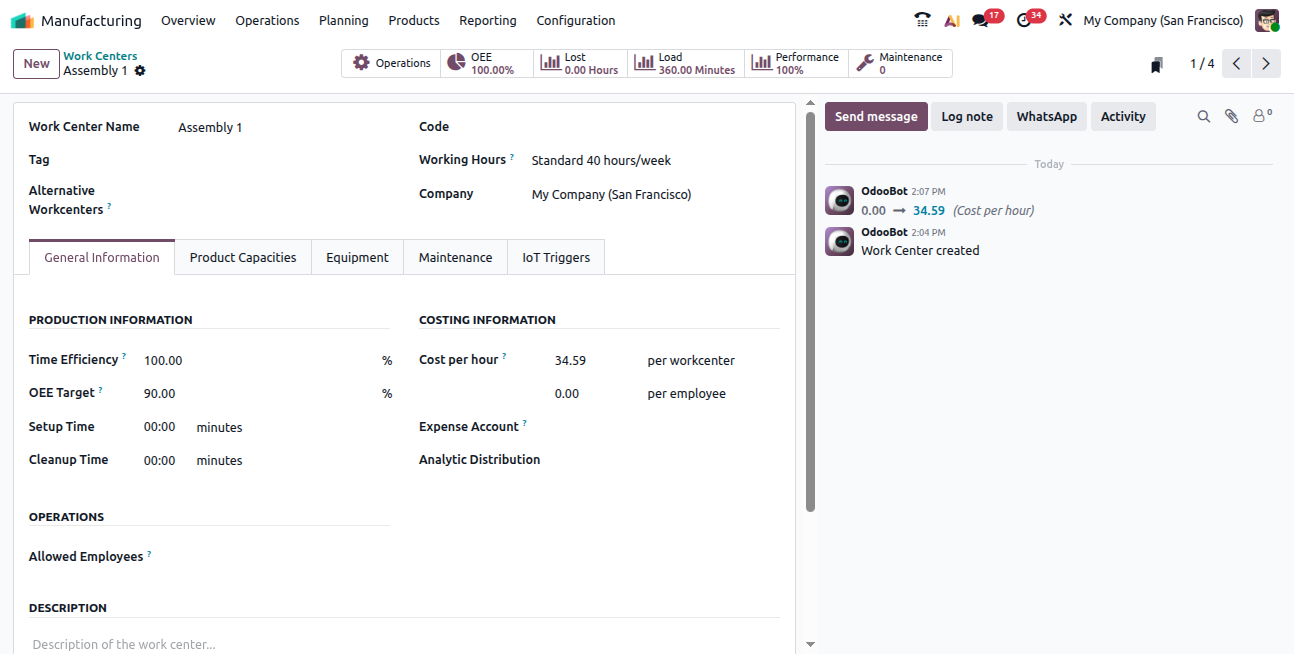
Once a work center is set up, Odoo automatically tracks all operations assigned to it through manufacturing orders (MOs). It records important production data such as working time, delays, and output, which are later used to calculate OEE.
In Odoo 18, smart tabs make it easier to access this information directly from the Work Center dashboard. These tabs give a quick overview of performance and help managers understand what’s happening without digging into multiple reports.
The main smart tabs available are:
These insights help teams monitor performance, identify issues early, and make better decisions to improve productivity.
The OEE tab is the main place to check how efficiently a work center is operating. It shows the OEE percentage, which represents how much of the total working time is actually productive.
In simple terms, it helps you understand whether the work center is being used effectively or if time is being lost due to delays, slow performance, or other issues. By reviewing this section regularly, you can quickly spot performance gaps and take steps to improve productivity.
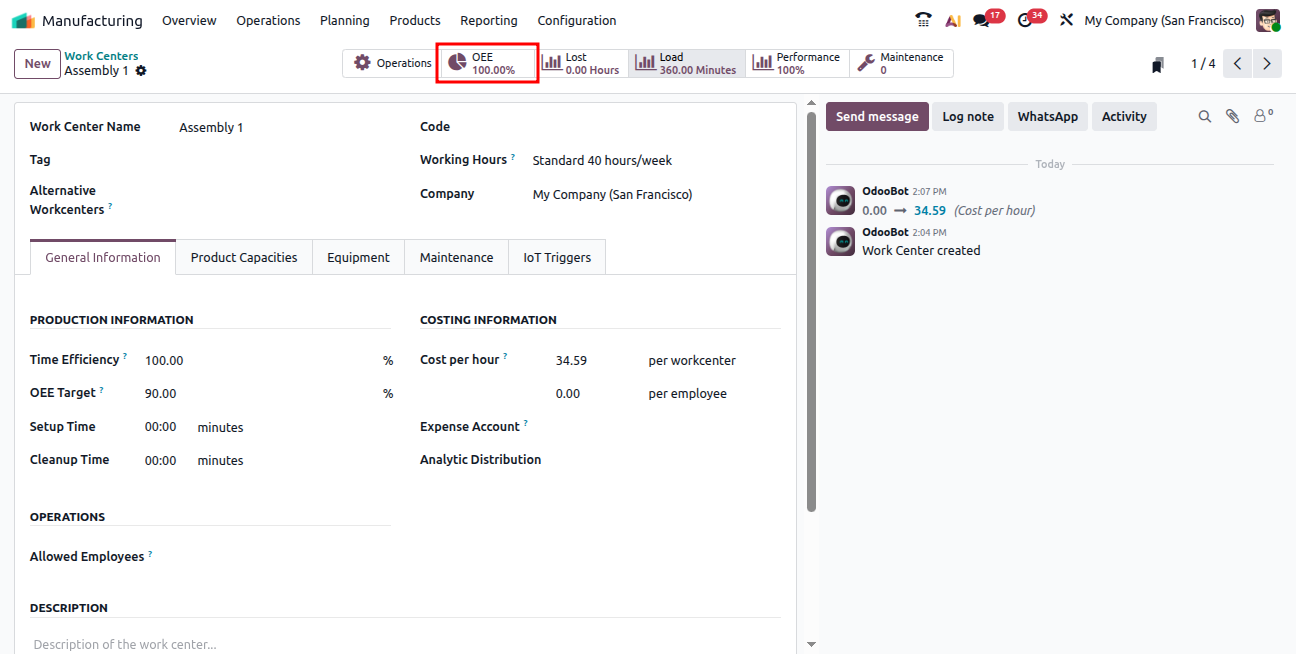
From this view, users can easily track how efficiency changes over time. For example, you can check if performance drops during specific shifts, with certain operators, or while producing particular products. This helps in identifying patterns and understanding where improvements are needed.
Odoo automatically calculates OEE using data from work orders, so there’s no need for manual calculations. Managers can quickly monitor performance and focus on solving issues instead of gathering data.
The OEE tab also shows the reasons for downtime, such as machine failures or material shortages. These factors directly affect how much time the work center is actually productive.
Overall, this section gives a clear picture of how well a work center is performing by combining three key factors: Availability, Performance, and Quality.
OEE=Availability×Performance×Quality
To get accurate OEE values in Odoo 18, it’s important to set the right efficiency standards for each work center. These settings include time efficiency, capacity, and the OEE target. Together, they help Odoo measure how much of the available working time is actually being used productively.
One of the key settings is time efficiency, which shows how fast a work center completes its tasks compared to the expected time defined in the Bill of Materials (BoM). A value of 100% means the work center is performing exactly as planned. If it is below 100%, the process is slower than expected. If it is above 100%, the work is completed faster than the standard time.
For example, consider a product that requires cutting and welding, with each step expected to take 20 minutes. If the cutting machine has a time efficiency of 80%, it may take around 25 minutes to complete the task. On the other hand, if the welding station has a time efficiency of 150%, it might finish the same type of operation in about 13 minutes.
You can configure this setting by going to:
Manufacturing → Configuration → Work Centers, opening the required work center, and entering the percentage in the Time Efficiency field.
Setting these values correctly helps ensure that OEE calculations reflect real performance, making it easier to identify delays and improve production efficiency.
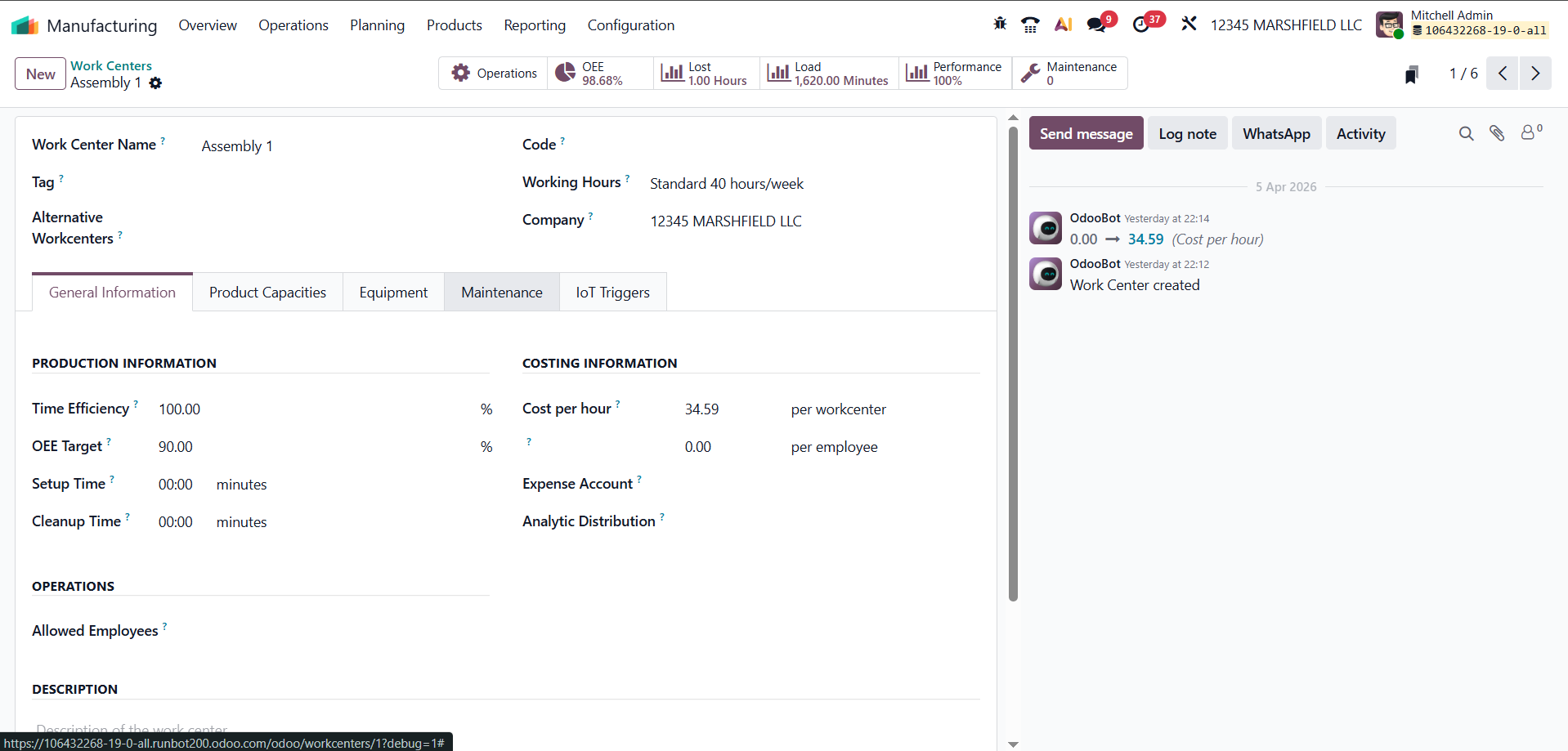
The OEE target represents the expected performance level of a work center. It defines how much of the total available time should ideally be used productively. This value is set as a percentage, with 100% being the maximum.
For example, if a CNC milling station has an OEE target of 85%, it means the machine is expected to run efficiently for at least 85% of its working time. Setting realistic targets makes it easier to compare actual performance with expectations and track improvements over time.
You can configure this setting directly in the work center form under the OEE Target field.
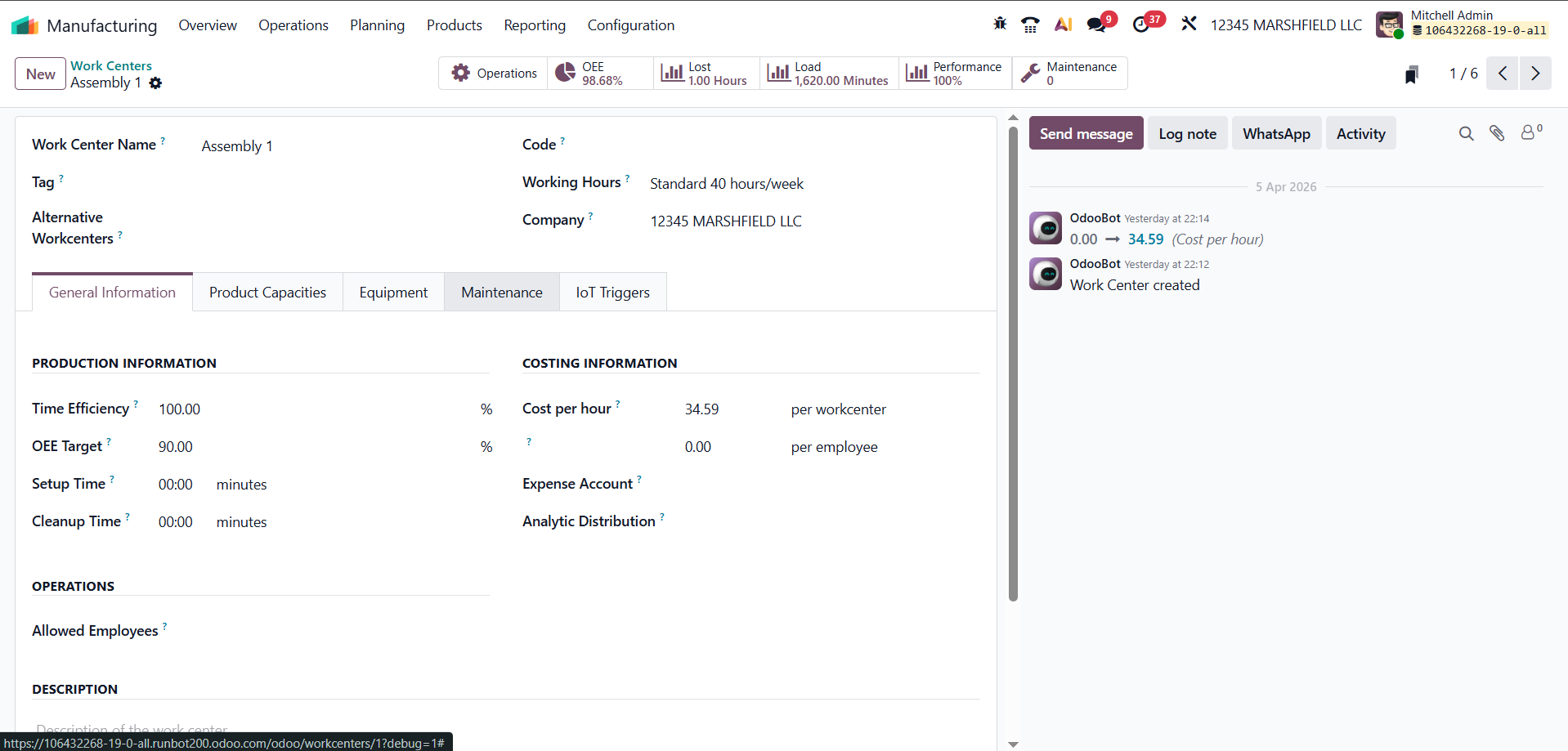
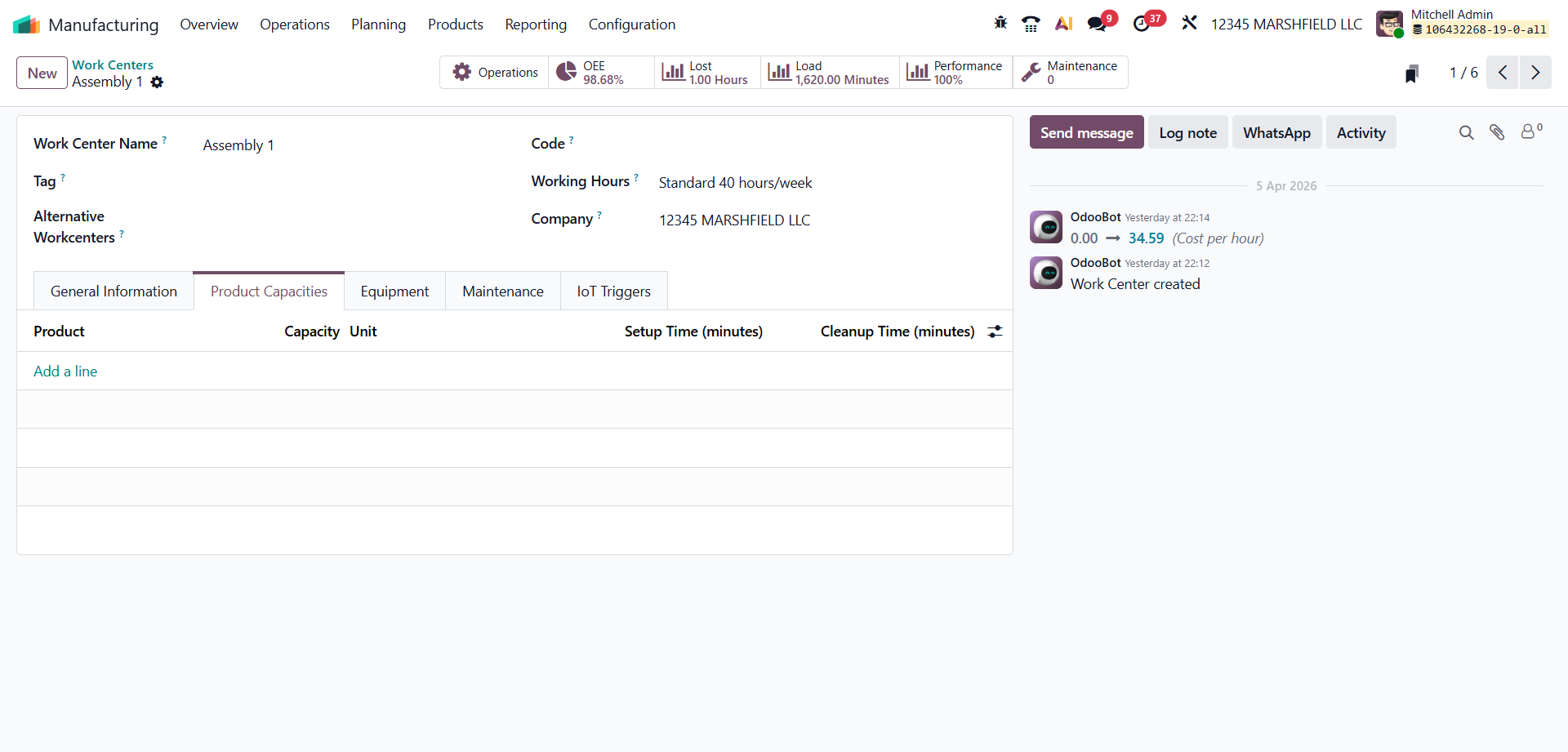
In Odoo 19, capacity management in work centers has been improved with a dedicated Product Capacities tab. This allows you to define capacity based on specific products instead of using a single general value for all operations.
With this feature, you can assign different capacity levels for different products handled by the same work center. This is especially useful when a machine can process multiple products but at different speeds or quantities.
Inside the Product Capacities tab, you can:
This gives more accurate production planning because Odoo can calculate workloads based on the actual capability of the work center for each product.
Instead of assuming the same capacity for all operations, the system now reflects real production conditions, helping improve scheduling and overall efficiency.
The Operations tab shows all the manufacturing tasks carried out at the work center. It gives a complete view of past, ongoing, and upcoming operations.
You can see important details such as start and end times, assigned operators, and production quantities. This makes it easier to track work progress and understand how the work center is being used over time.
In Odoo 19, OEE measures how much of a work center’s available time is actually used for productive work. When operations are completed on time, with no delays or interruptions, that time is considered fully productive. Any delay, shortage, or downtime reduces the overall OEE value.
For example, if an assembly line completes a task expected to take 45 minutes in just 43 minutes without any issues, the entire time is counted as productive. However, if the same task takes 55 minutes because materials arrived late, the extra time negatively affects the OEE score.
There are several common reasons why productivity may drop, such as:
Odoo automatically tracks these situations through the work center interface and includes them in OEE calculations. This helps teams clearly understand where time is being lost and what needs improvement.
Odoo 19 also provides built-in reports to analyze OEE performance. You can access them by going to:
Manufacturing → Reporting → Overall Equipment Effectiveness
The reporting dashboard displays data for each work center using charts and pivot views, making it easier to compare performance, identify trends, and take action to improve efficiency.
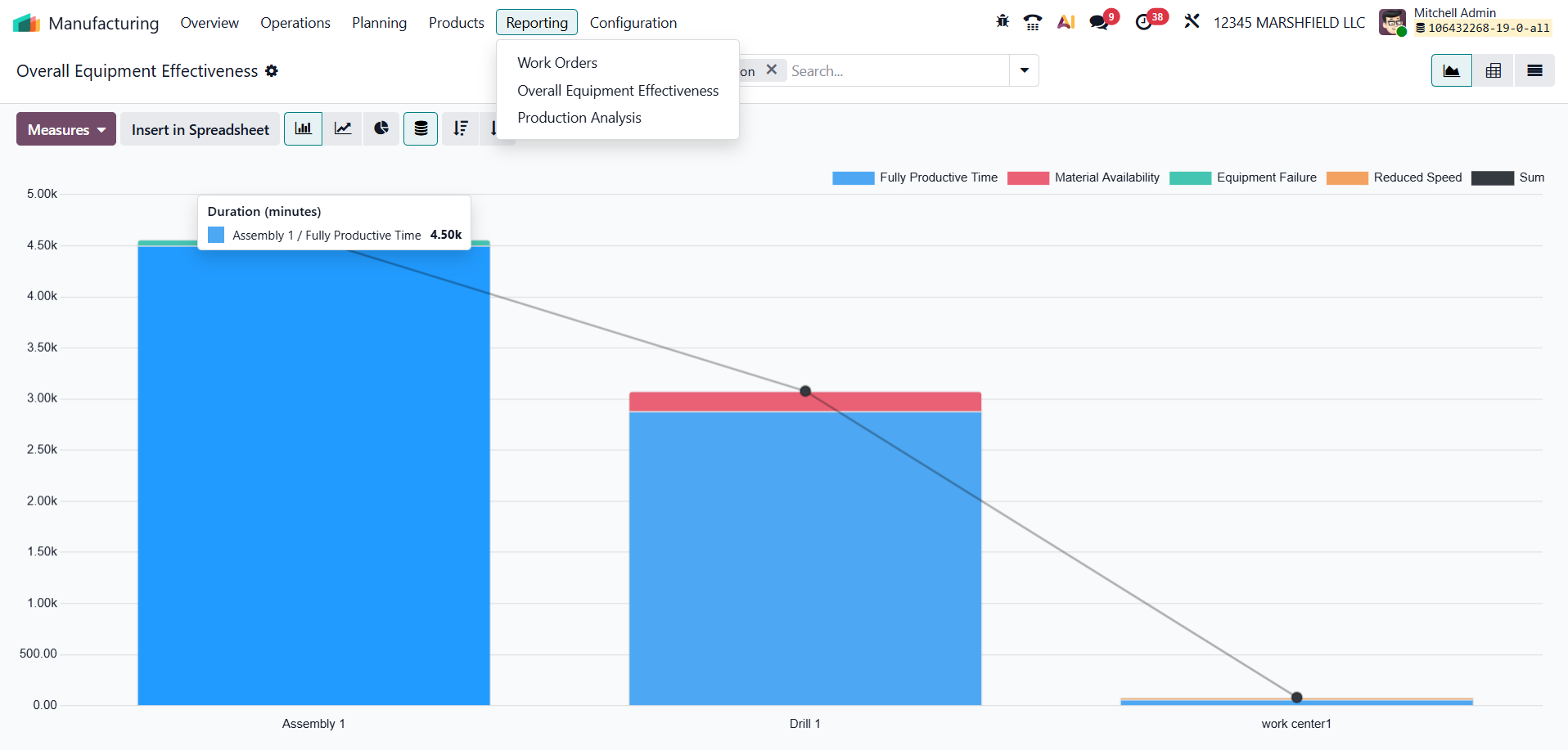
You can switch between different chart views, such as bar, line, or pie charts, to better understand performance trends. If you need more detailed data, you can also use list or pivot views.
By opening a specific work center and clicking on the OEE smart button, you can see a detailed breakdown of its performance. This includes how much time was fully productive and where losses occurred. These insights make it easier to understand issues, balance workloads, and plan maintenance activities to keep production running smoothly.
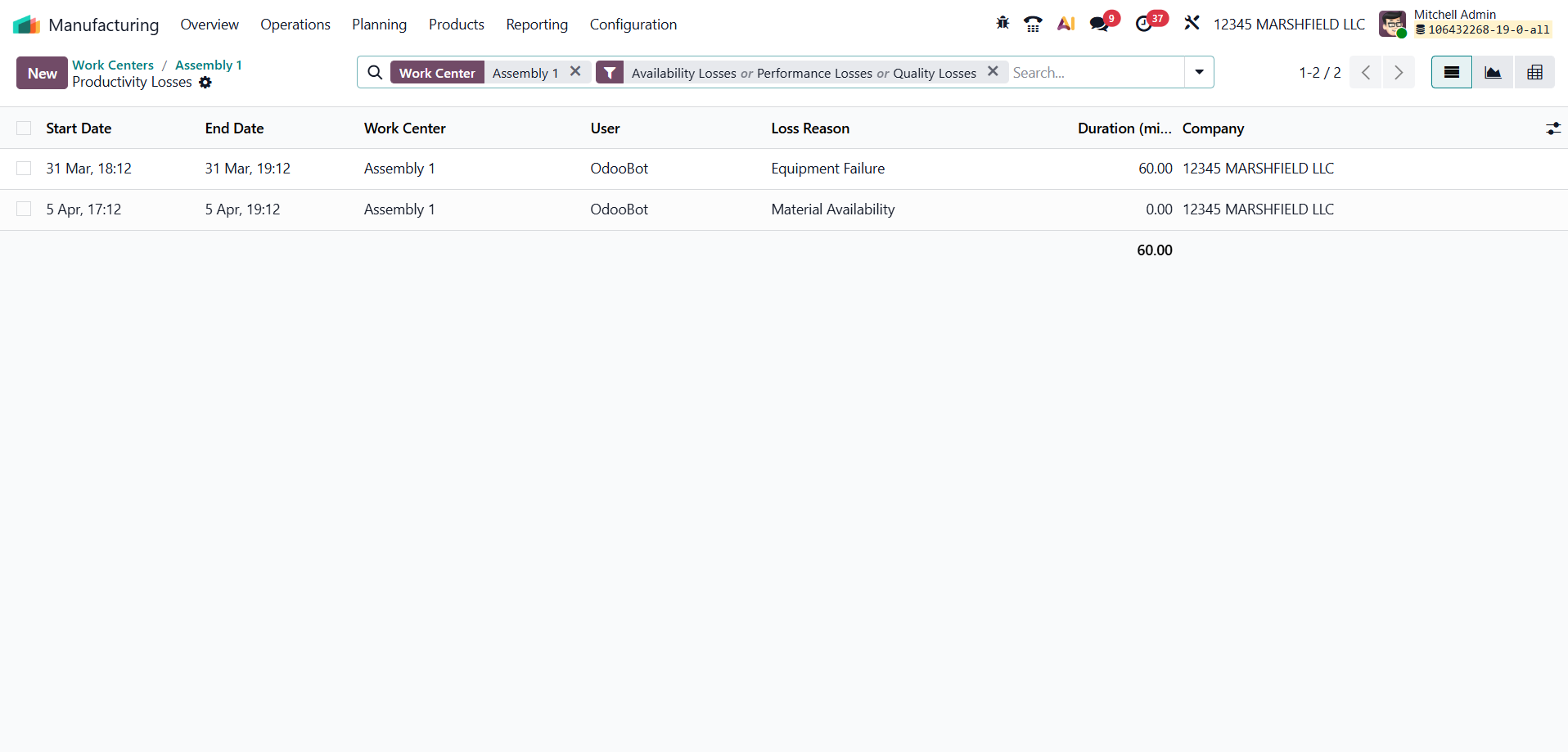
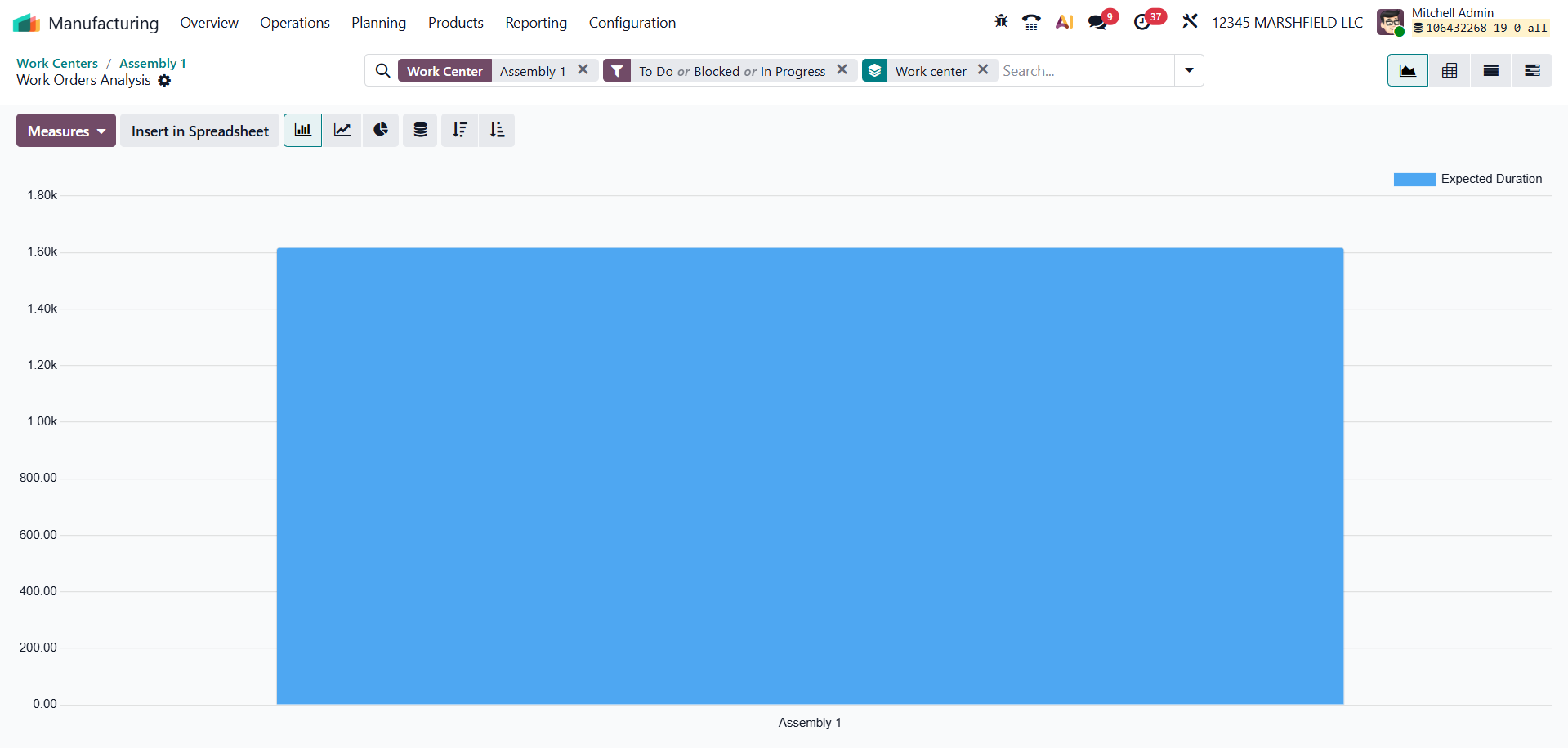
Downtime is one of the biggest reasons for a drop in OEE. The Lost Hours tab in Odoo 19 records all the time when a work center is not available for production.
It includes different types of delays such as machine breakdowns, maintenance activities, operator absence, and material shortages. By tracking and organizing these lost hours, Odoo helps you clearly identify where time is being lost and take steps to reduce it.
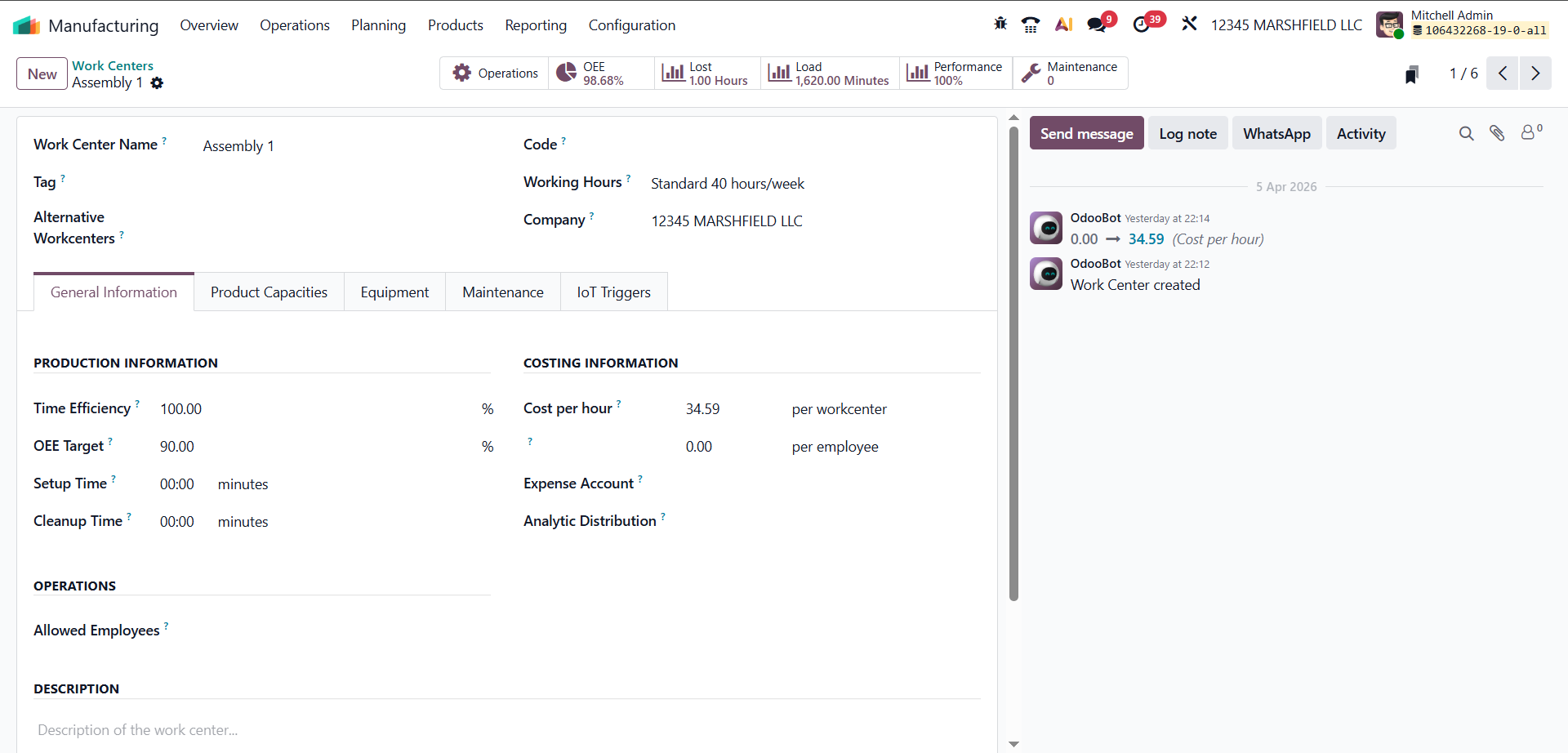
By tracking lost hours, Odoo helps identify repeated downtime patterns and their root causes. This makes it easier for managers to take the right actions, such as scheduling preventive maintenance, improving operator training, or managing inventory more effectively.
The tab also allows you to record specific reasons for downtime, giving a more detailed view of where losses are happening. This level of detail helps in analyzing issues more accurately and improving overall productivity.
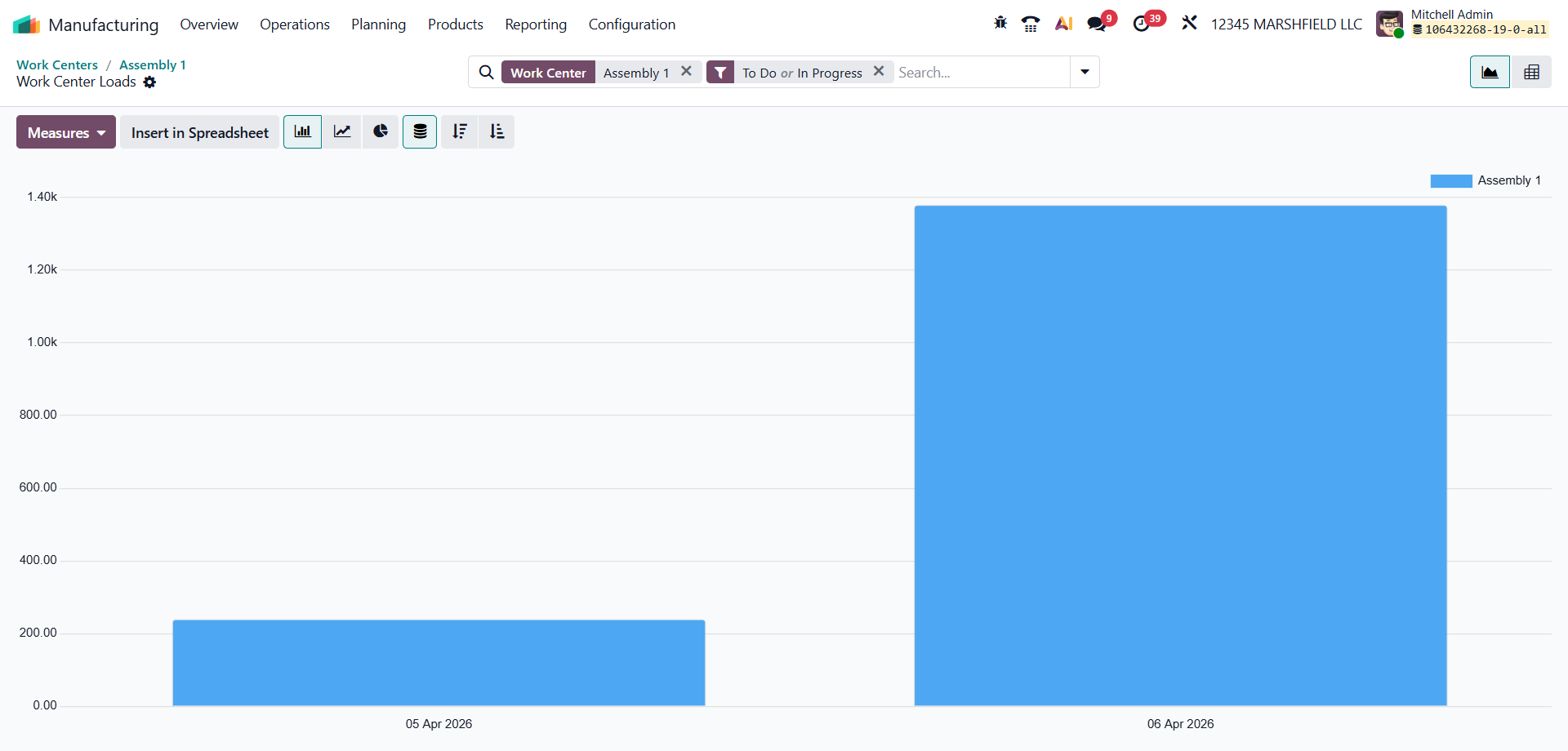
The Load tab shows how much of the work center’s available time is being used. It compares scheduled work with remaining capacity, helping you quickly see if a work center is overloaded or underutilized.
By viewing load data, production managers can easily balance work across multiple work centers. This helps maintain a steady production flow and reduces the chances of bottlenecks.
This feature is especially useful in setups with multiple work centers, where different operations depend on each other and need proper scheduling to avoid delays.
While the OEE tab gives an overall view of efficiency, the Performance tab focuses specifically on production speed. It compares the actual time taken to complete an operation with the expected time defined in the work order.
This helps you understand whether the work center is running slower or faster than planned.
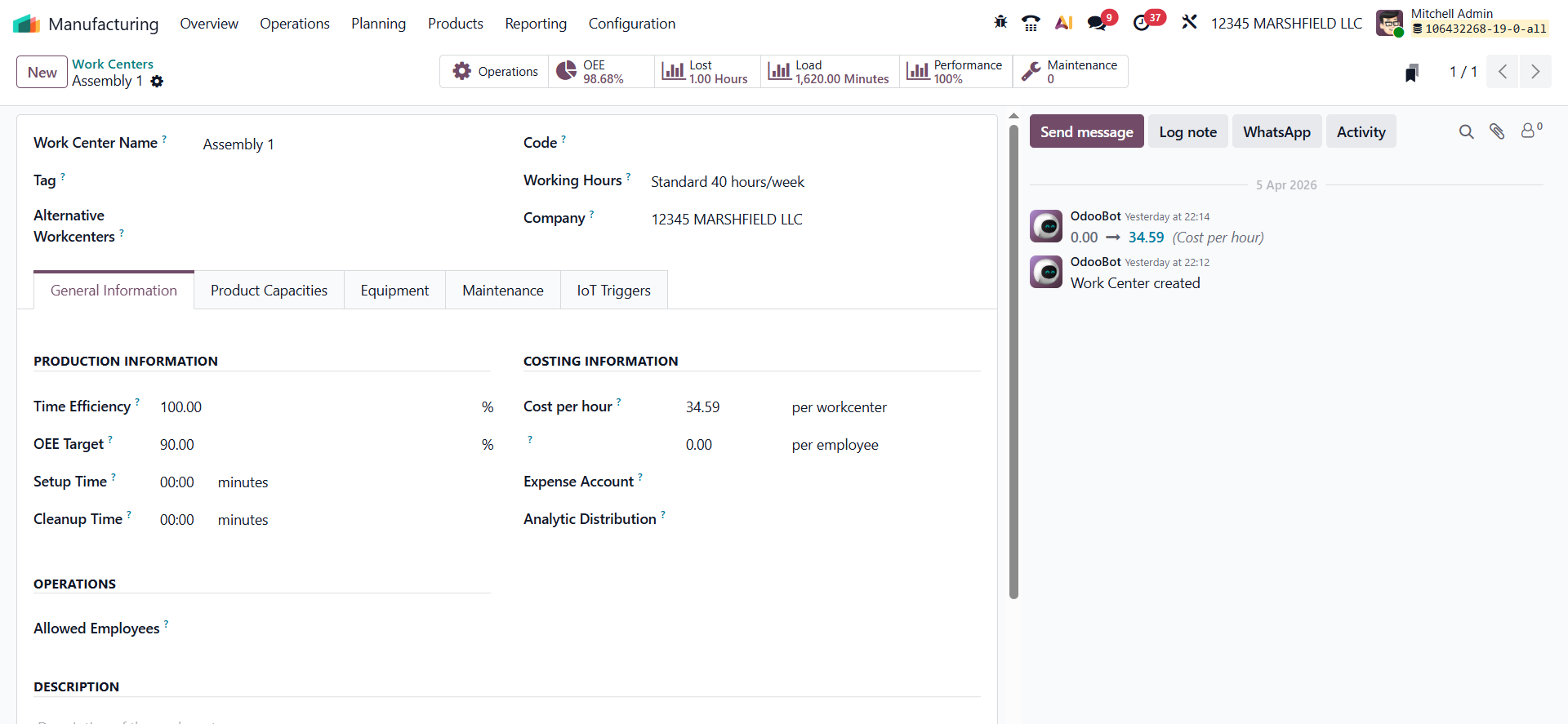
If a work center regularly takes more time than expected, it shows that performance is lower than planned. On the other hand, if tasks are completed faster without affecting quality, it indicates that the process is running efficiently.
The Performance tab helps identify these differences by showing where actual cycle times do not match the expected standards. This allows teams to adjust processes and improve efficiency over time.
When you open the Performance smart tab, Odoo provides a detailed report based on work order data. It includes information such as production time, efficiency levels, and operation trends. These insights help you understand how well the work center is performing and where improvements can be made.
Regular maintenance plays an important role in maintaining a high OEE. The Maintenance tab connects the Maintenance module with Manufacturing, allowing users to create, schedule, and track maintenance activities directly from the work center.
By planning preventive maintenance, machines can stay in good condition and unexpected breakdowns can be reduced. This helps avoid sudden production delays.
The tab shows both ongoing and completed maintenance tasks, making it easier for teams to coordinate maintenance with production schedules. This approach helps keep machines available and supports consistent work center performance over time.
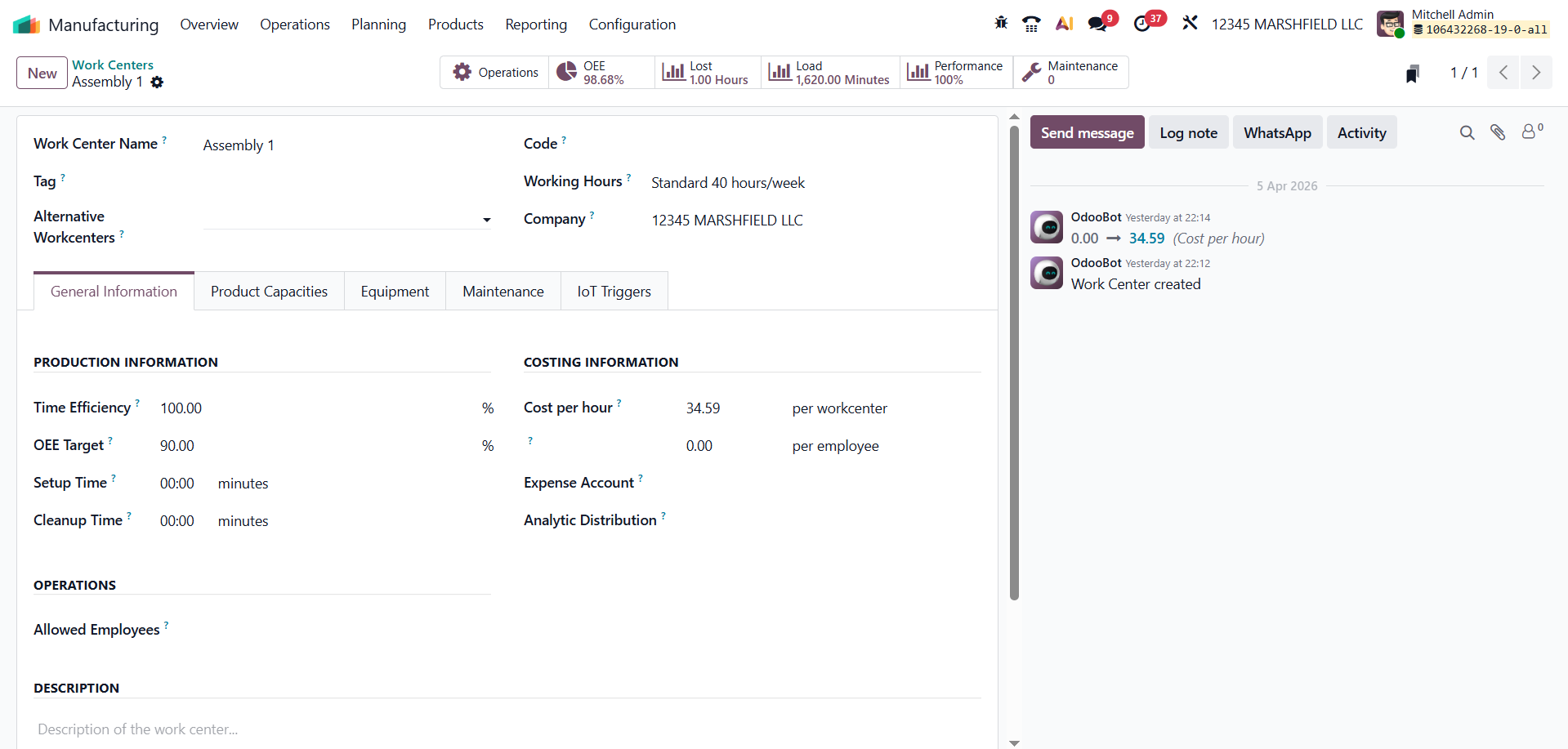
Analyzing Overall Equipment Effectiveness (OEE) in Odoo 19 helps manufacturers understand the actual productivity of their work centers. With the help of smart tabs such as OEE, Load, Lost Hours, Performance, Operations, and Maintenance, users can monitor different aspects of equipment usage in real time.
By tracking these metrics, production managers can quickly identify where efficiency is dropping, recognize repeated issues, and take the necessary actions to fix them. The improved manufacturing dashboard in Odoo 19 presents this data in a clear and structured way, making it easier to understand and use for decision-making.
In simple terms, OEE analysis in Odoo 19 connects production data with practical actions. It helps businesses reduce downtime, improve machine performance, and maintain a more efficient and reliable manufacturing process.






0